
Play it on your real piano
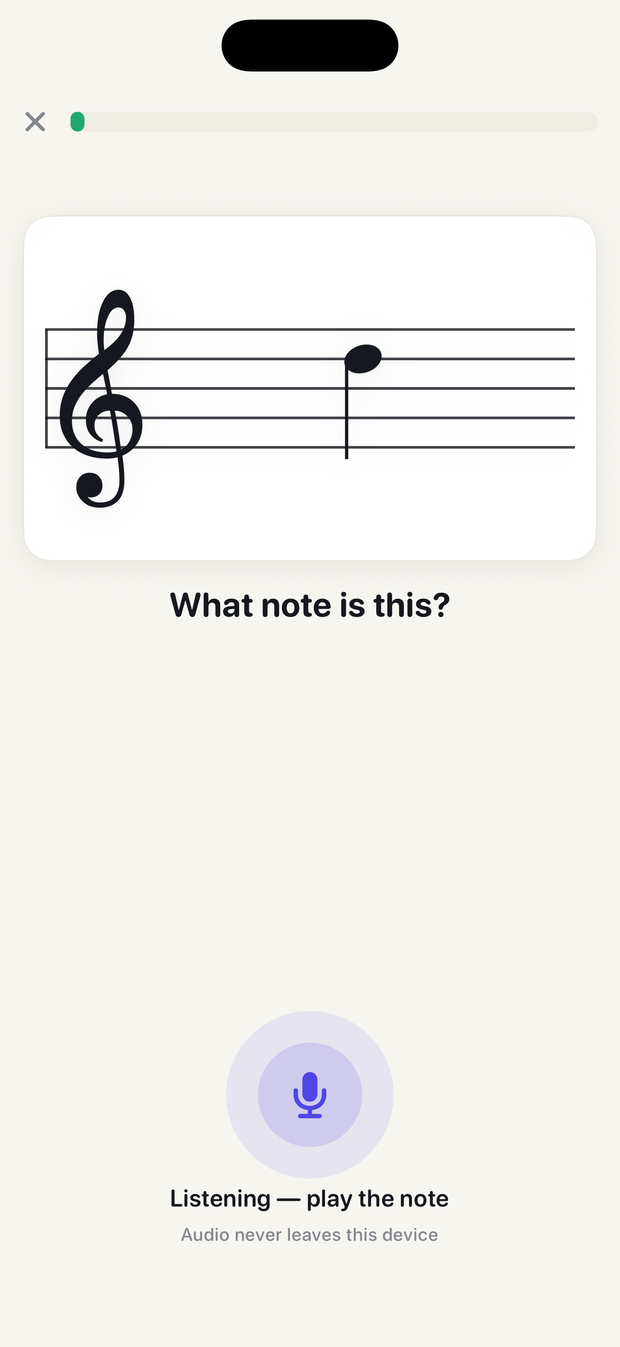
Answer by playing, not tapping. The mic recognizes the note on an acoustic or digital piano — no MIDI cable, no adapter, no interface.
For players who already play
Play the answer on your own piano. NoteTrail hears the note and drills exactly what's slowing you down — the notes you stall on, not the ones you already know.
Why it's different
Most note-reading apps teach someone touching a keyboard for the first time. NoteTrail assumes you can play, and fixes the page.
Answer by playing, not tapping. The mic recognizes the note on an acoustic or digital piano — no MIDI cable, no adapter, no interface.
Spaced repetition tracks every note you hesitate on and brings it back before you forget it, while leaving alone the ones you already own.
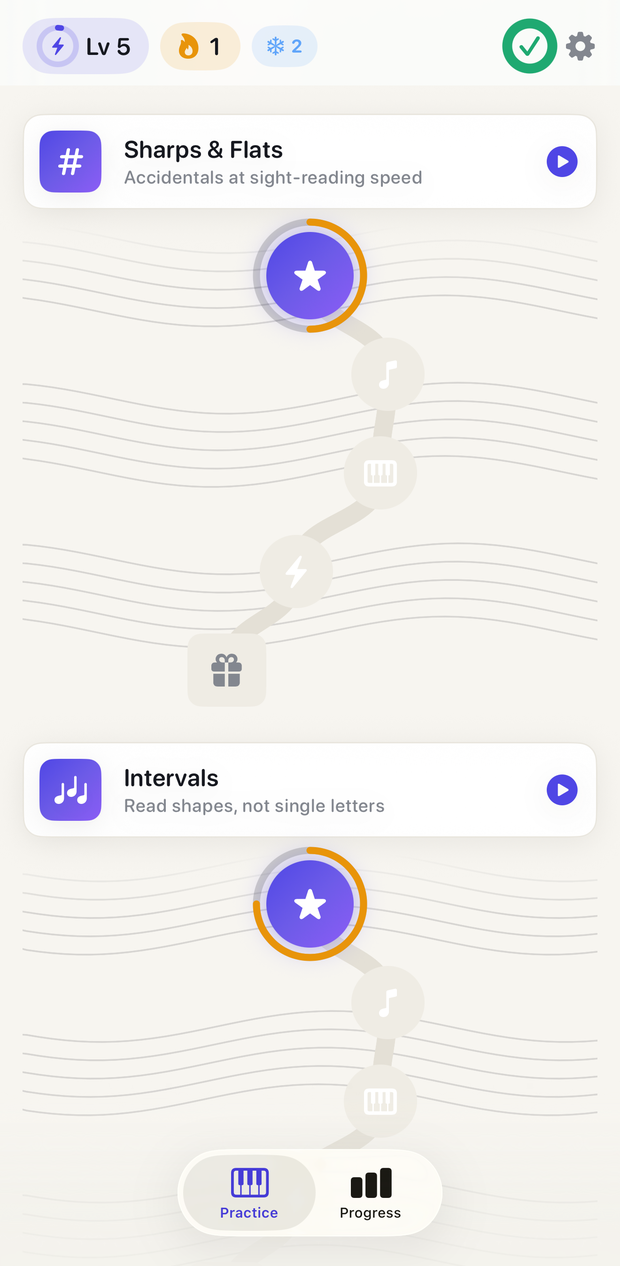
Improving, Intermediate or Advanced in one tap. Nobody is marched through first-note content, and the whole ladder is open from day one.
Both clefs at speed, sharps and flats on sight, two-note intervals read as shapes, ledger lines above and below the staff.
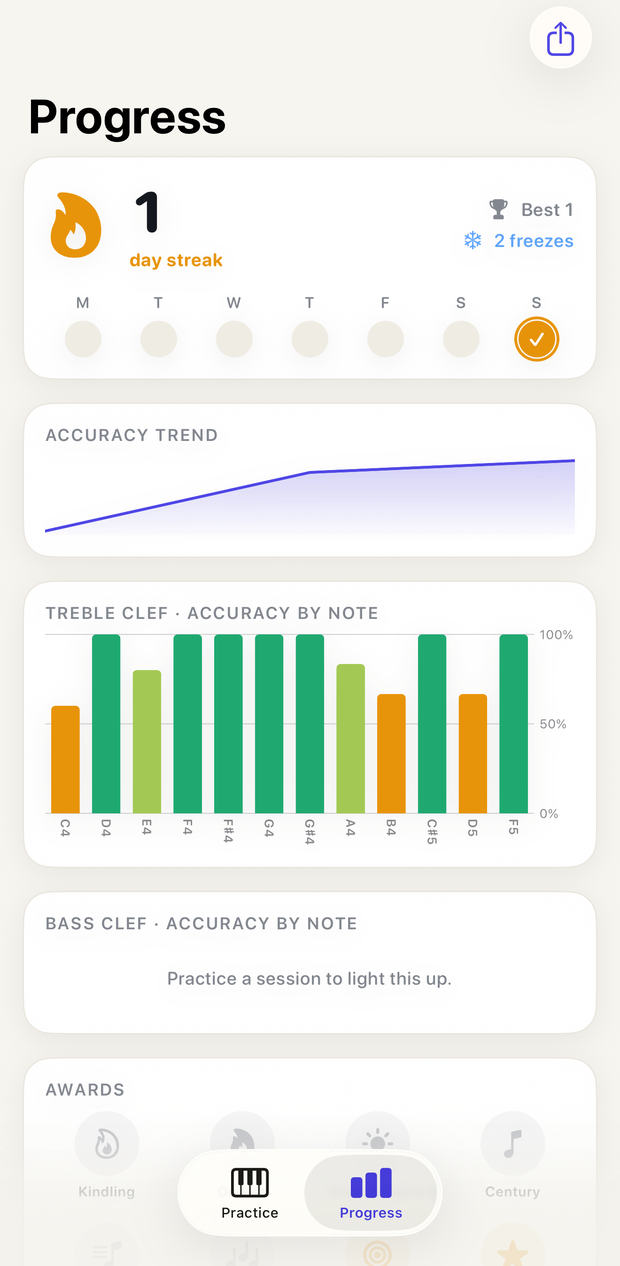
Accuracy and response time for every note on the staff, plus a weak-note list that tells you exactly what to practice next.
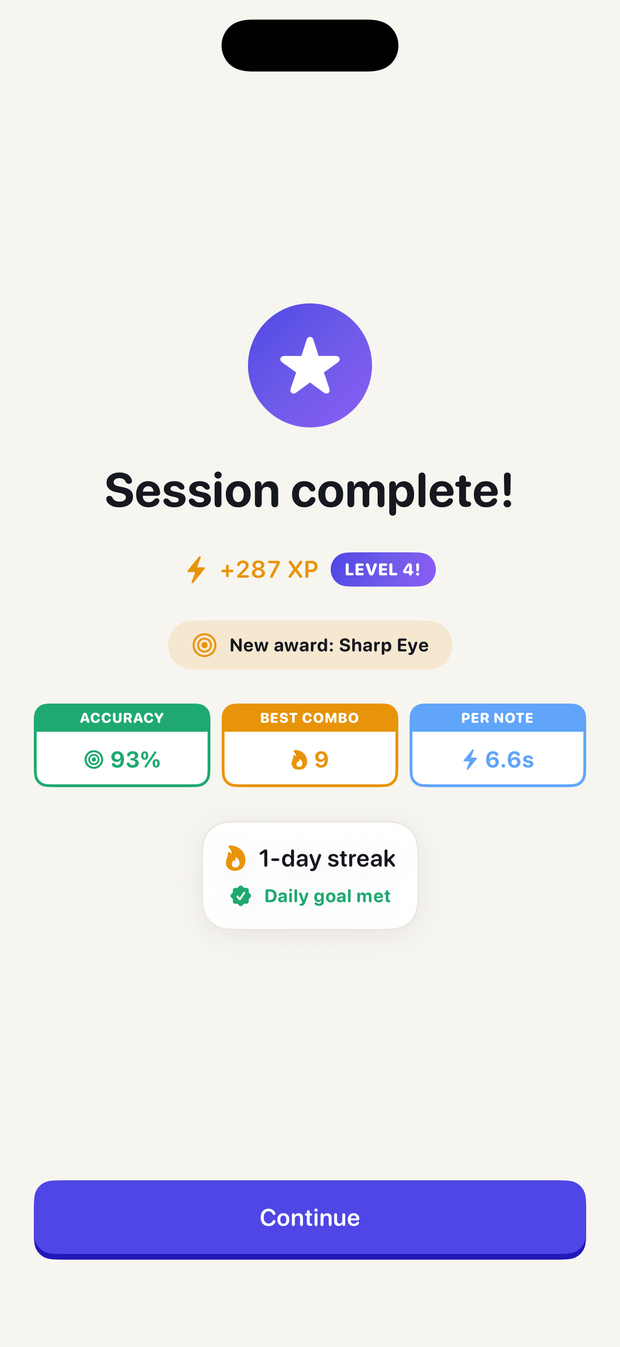
Correct answers play the pitch, so your ear learns the note alongside your eyes. Two minutes a day, on the instrument you already own.
For teachers and studios
Reading is the homework that never gets checked. NoteTrail hands the student a summary worth showing you — without another platform to administer.
One tap from the Progress tab shares overall accuracy, current streak, a per-clef breakdown and the exact notes needing work.
Point a student at Intermediate or Advanced and the drills fit from the first session — no wading through material they finished years ago.
No student accounts, no rosters, no admin. Practice data lives on the student's device and moves only when they choose to send it.
Pricing
$0
$4.99/mo
or $29.99/year
Questions
No. NoteTrail listens through the microphone and recognizes the note you played on an acoustic or digital piano. If you'd rather not use the mic, the on-screen keyboard always works.
Not really. NoteTrail is built for people who already play but read too slowly, and for the teachers working with them. You choose your starting level and never get routed through first-note content.
The treble-clef drills, streaks and basic stats are free. NoteTrail Pro is $4.99/month or $29.99/year after a 7-day free trial, and unlocks Real Piano mode, the full ladder and detailed stats.
Never. Pitch is detected on your iPhone in real time and audio is never recorded, saved or uploaded. The microphone runs only while a practice session is on screen.
No account, no tracking, nothing uploaded. Real Piano mode analyzes audio on-device in real time and never records it — the microphone runs only while a session is on screen. The privacy policy is a two-minute read.